
Ground it in the character
Start with established facts, role, tone and strength. Turn an ordinary irritation into a detail that fits the character’s history.
VISINVOKE roleplaying generator
A recurring irritation.
A reason it matters.
Ways it could change.

A recognisable character detail
Origins, triggers and useful story openings.
Start with established facts, role, tone and strength. Turn an ordinary irritation into a detail that fits the character’s history.
Prepare table cues, practical tips and hooks for stories. The player chooses how much attention to give the irritation and how the character reacts.
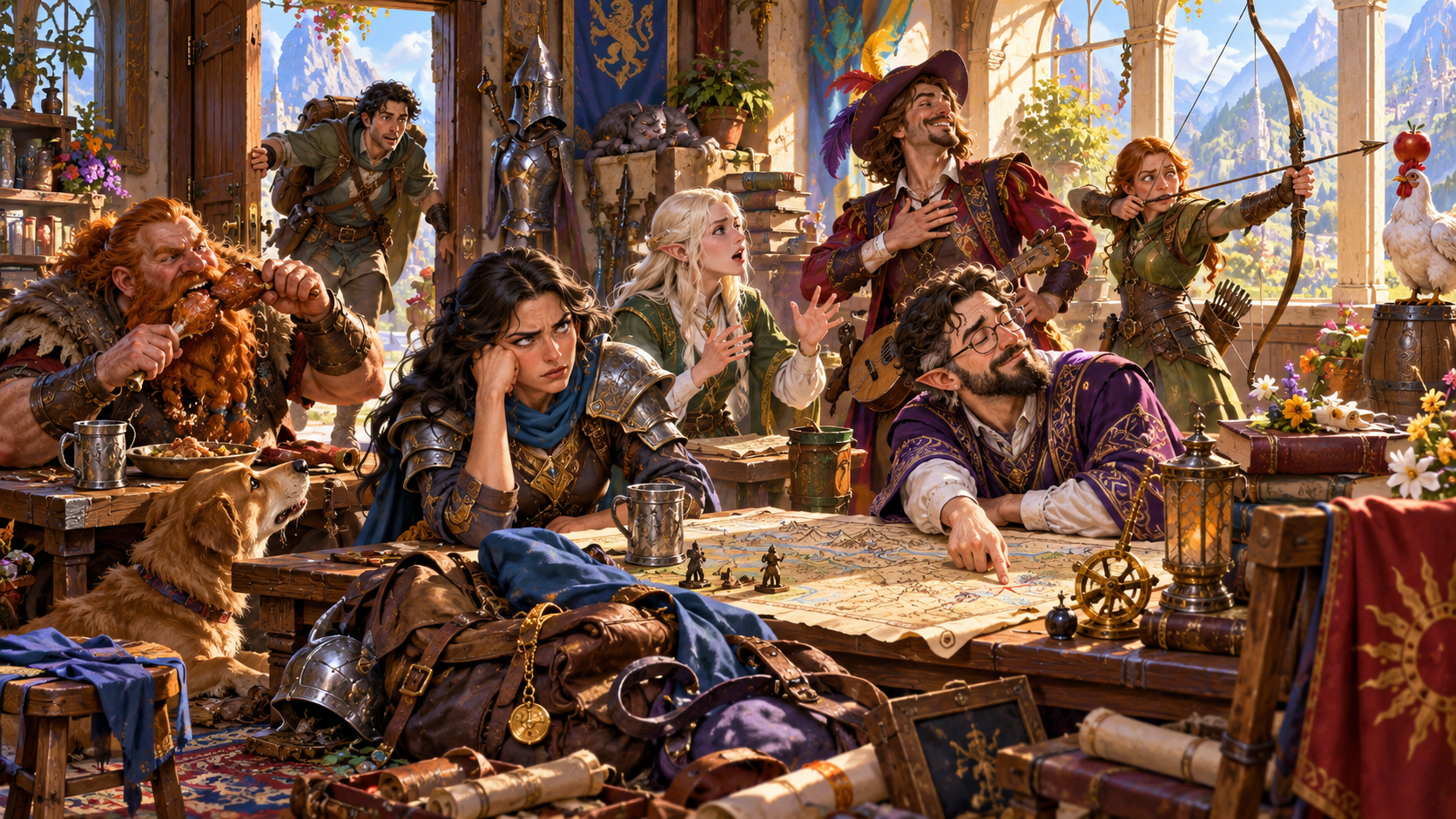
Everyday irritations
A crowded tavern brings noisy chewing, clutter, an animated bard, an interruption at the door and competing activities into one illustration.
Choose the irritation, tone and strength that fit your character. Give the detail a reason to matter without deciding the player’s reaction.
What you can prepare
One recurring detail with practical ways to use it.
Enter the character’s name, role and true details. Use those facts to ground the irritation and its origin.
Try chewing or small noises, lateness, mess, rudeness, waste, boasting, incorrect facts or interruptions.
Choose a mild irritation, real annoyance, reliable pet peeve, sore point, fierce grievance or legendary grudge as character flavour.
Build around supplied history. Deep preparation can explore childhood, hard times, admiration, loss, an old success or an accident.
Prepare two situations that bring the irritation to mind. Keep them clear enough to recognise during a scene.
Describe how the pet peeve might appear at the table and who notices it. The player chooses whether and how to portray it.
Connect the character detail to two possible story openings. Use the hooks when they fit the campaign.
Prepare two ways to make the irritation easy to portray. Add colour while leaving every character decision with the player.
Explore a believable way the reaction could soften. Treat change as a possibility to play with, rather than an imposed outcome.
Lock, change or edit individual sections. Save versions, reopen a result or duplicate it to explore a variation.
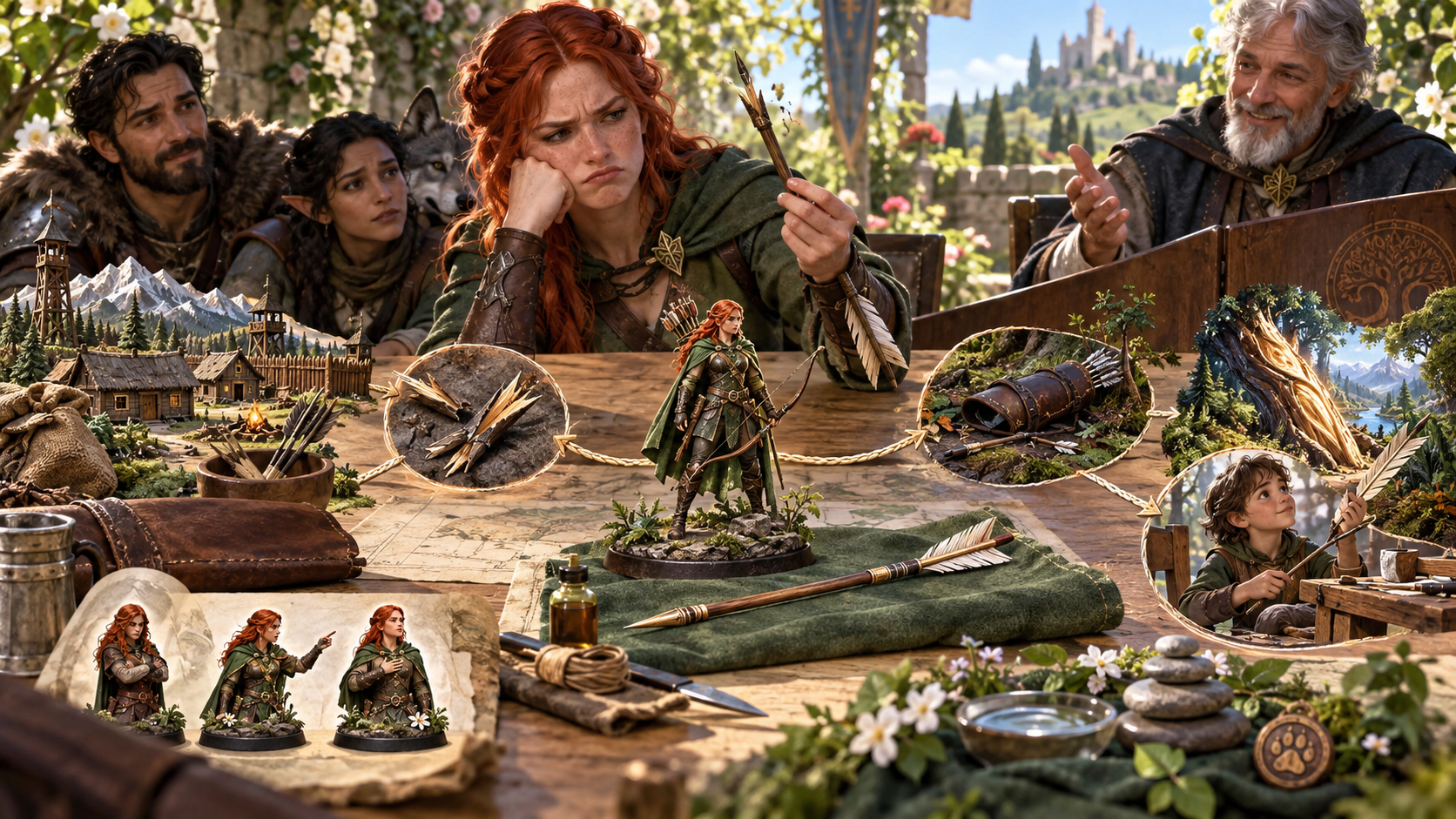
Connect the character detail
A tabletop story map connects village scenes, broken arrows, a damaged barrel, a fallen tree and a child making an arrow. Character miniatures suggest several reactions.
Use supplied facts to prepare the origin, two triggers and a possible way forward. Add private context and topics to avoid when they matter.
Quick and Deep preparation
Choose the parts that help this character feel recognisable.
Enter the character’s name and established details. Choose their role, tone and how strongly the issue bothers them.
Choose the kind of pet peeve and an origin such as childhood, hard times, admiration, loss, an old success or an accident.
Supply an established character fact to build on. Include things to avoid and keep private context with your preparation.
Review the complete result, then lock, change or edit individual sections. Save versions or duplicate a result to explore a variation.

A moment to portray
At a village fair, an archer holds a broken arrow while a companion stands beside another arrow splintered in a post. A child offers an intact arrow as the group looks on.
The illustrated scene gives wasted equipment a visible trigger. Use the cues, tips and story hooks when they fit, and leave the response with the player.
Save and share the character detail
Origins, triggers, observers, hooks, tips and possible change.
Save the pet peeve and return to its origin, triggers, table cues, observer, story hooks, roleplaying tips and possible change.
Keep versions as your preparation develops. Duplicate a result to explore a variation while retaining the earlier material.
Choose the full Dungeon Master material or a player-facing character note. Review the intended audience and any private context before sharing.
Copy the result, export its structured JSON or print it for your preparation. Review the content again after editing individual sections.
Your workspace and related products
Open your products through your account.

Open Pet Peeve Generator in the Generators collection of your signed-in desktop workspace. Get Desktop Control Centre through your account installer page.
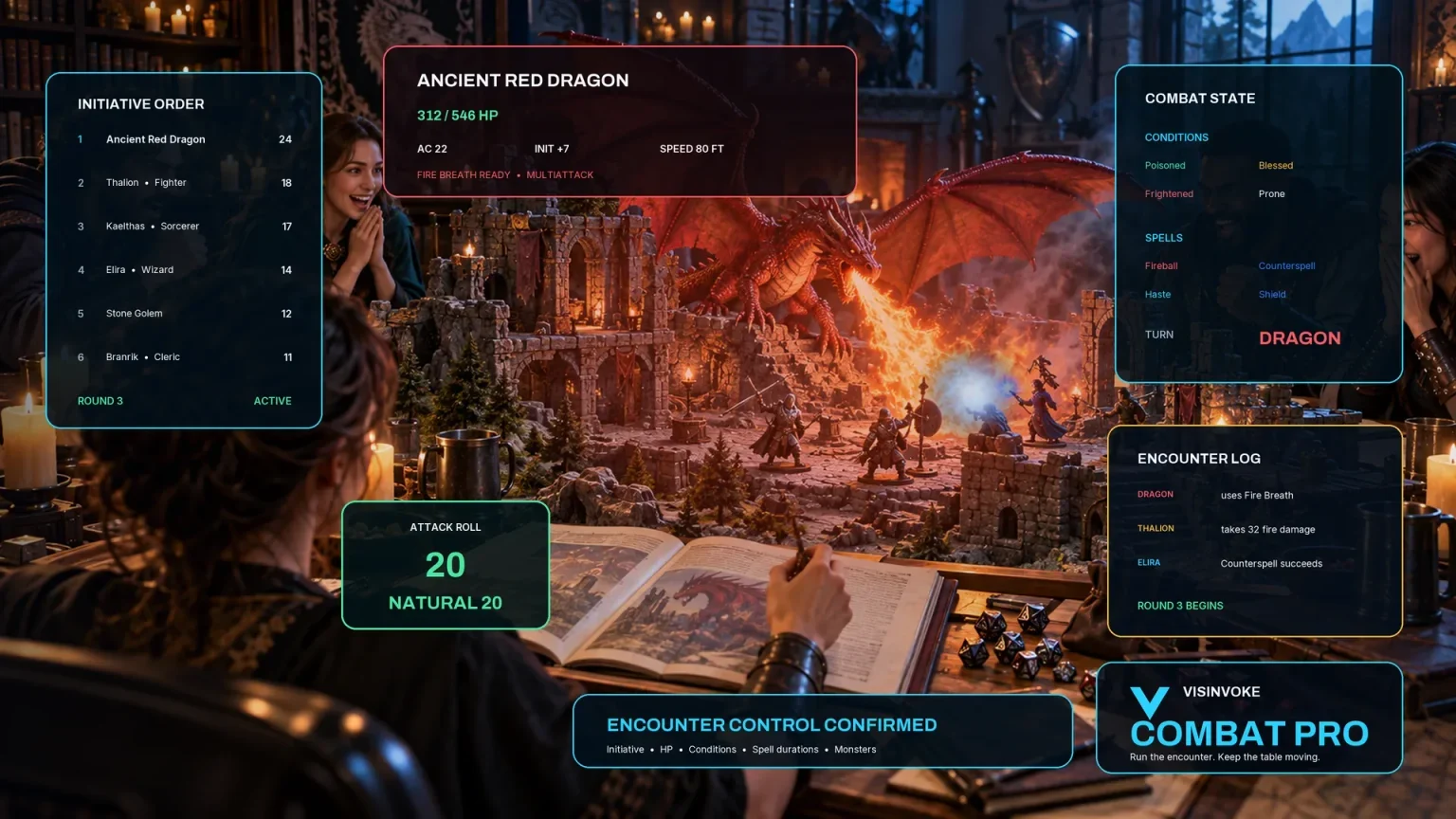
Use Combat PRO for encounter tracking in its own workspace. Keep this recurring character detail with your roleplaying preparation and the player’s choices.
Illustrations show character moments and story preparation. The player decides whether and how a pet peeve appears in play.
Questions and answers
Preparation, player choice, saved records and sharing.
One recurring irritation for an established character, with its strength, tone, origin, two triggers, table cues, someone who notices, two story hooks, two roleplaying tips and a possible path toward change.
This generator prepares a lasting character detail grounded in supplied facts and history. A current-scene irritation is a separate kind of prompt. Choose whether and how this recurring detail belongs in the character’s story.
Quick preparation uses the character’s name, true details, role, tone and strength. Deep preparation adds irritation type, origin, an established fact to build on, things to avoid and private context.
Lock, change and edit individual sections. Save pet peeves, reopen the complete record, keep versions or duplicate a result to explore a variation.
Copy the Dungeon Master dossier or a player-facing character note, export JSON or print the result. Review the content and intended audience, especially after editing or adding private context.
Create a free VISINVOKE account or sign in. Get Desktop Control Centre through your account installer page, then open Pet Peeve Generator in the Generators collection. Check your account for current subscription details.
Continue in VISINVOKE
Create a free VISINVOKE account or sign in to your existing account. Get Desktop Control Centre through your account installer page.
Open Pet Peeve Generator from the Generators collection. Check your account for current subscription details.